How to Plan a No-Meeting Day That Actually Works
Why no-meeting days fail and how to fix them
Most “meeting-free” days collapse because they lack guardrails. A stray ping lands. A “quick sync” sneaks in. By noon, focus is gone. Treat this day like a production run. Protect inputs, control work-in-progress, and publish a clear schedule of availability. A no-meeting day is not a perk; it’s a plan.
Establish a simple system to handle incoming tasks. Separate everything into two gates, urgent and not urgent, which determines whether it’s important enough to interrupt your focus. Route all other items to queues you’ll review later, and define how true emergencies can escalate past the gate.
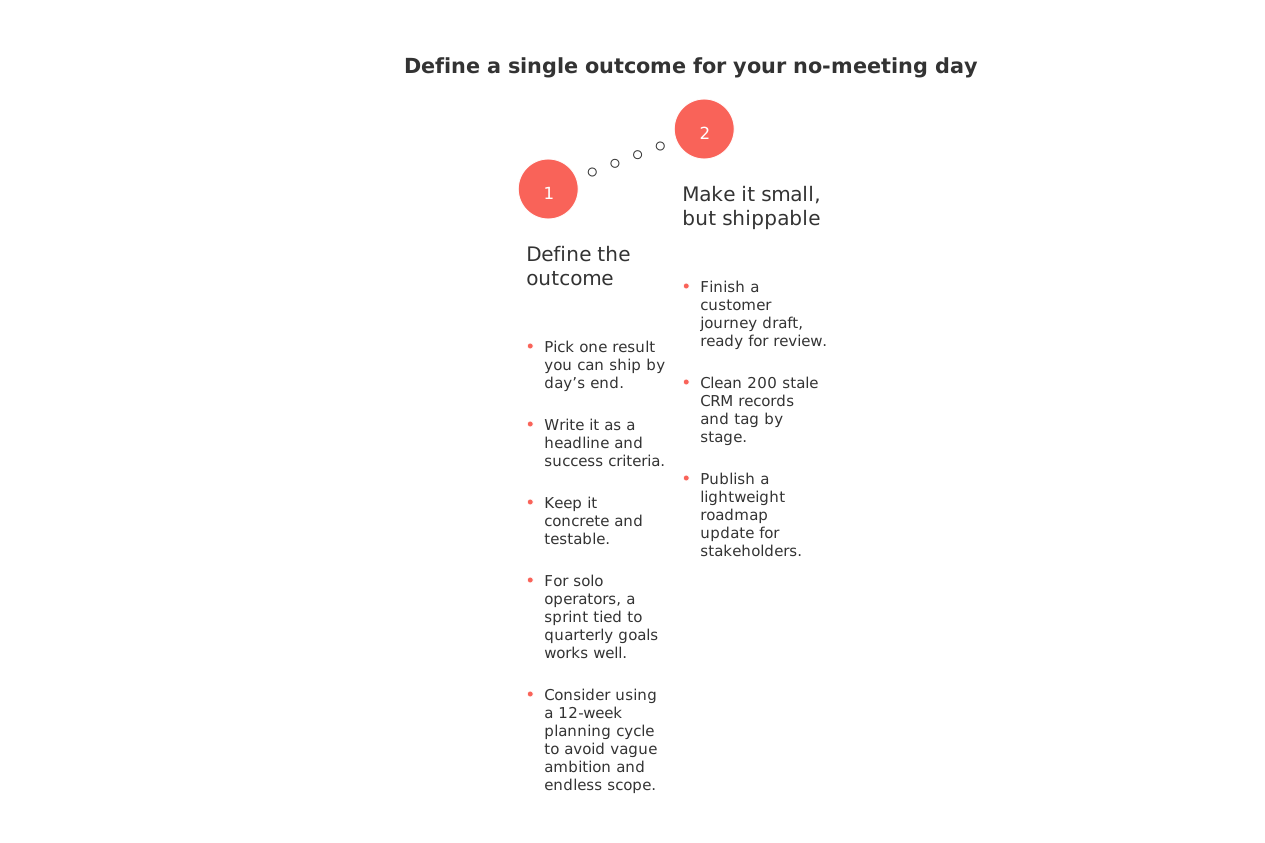
Define a single outcome for your no-meeting day
Pick one result you can ship by day’s end. Write it as a headline and success criteria. Keep it concrete and testable. For solo operators, a sprint tied to quarterly goals works well. Consider using a 12‑week planning cycle to avoid vague ambition and endless scope. See how to apply the 12‑Week Year method to set short, shippable targets.
Make it small, but shippable:
Finish a customer journey draft, ready for review.
Clean 200 stale CRM records and tag by stage.
Publish a lightweight roadmap update for stakeholders.
Write a one-sentence outcome for Friday’s no‑meeting day. Include scope (what’s in/out), a definition of done, and a test I can run in 5 minutes to confirm it’s finished.
Define the right tasks for a no-meeting day
Load the day with deep, non-blocked tasks. Avoid items that require many approvals. Favor work you can finish alone or with async help.
Great candidates
Project management: refine a backlog, prune duplicates, and reorder by value.
Knowledge work: draft an SOP, rewrite onboarding content, or structure a research memo.
CRM hygiene: merge duplicates, fix missing fields, and document pipeline rules.
Creative output: long-form copy, storyboard, or data narrative.
Skip these for today: multi-team decisions, vendor negotiations, and anything blocked by legal reviews.
Design guardrails that prevent surprise meetings
Guardrails make the day hold. Use three layers:
Status signals: set “Focus” in chat apps and silence non-urgent mentions.
Routing rules: send new requests to a form or a shared inbox, not to you directly.
Auto-replies: define when you’ll respond and how to escalate true emergencies.
Draft a polite auto‑reply for my no‑meeting day. Tone: friendly and firm. Include: when I’ll reply, an escalation path for urgent issues, and a link to submit non‑urgent requests.
Structure the day with energy-based blocks, not time slots
Plan work around your energy, not the clock. Start with your best brain window for the hardest task. Create short, repeatable work periods focused on a specific task (think 25–50 minute “sprints” if you know the Agile term), and protect a calm finish.
AM focus: 2–3 work periods on the primary outcome.
Midday reset: movement and a screen break.
PM shipping: polish, QA, and publish.
Add brief admin bursts between work periods for quick triage. Keep them short. Return to the main track fast.
Set expectations with teammates, customers, and executives
Prioritize clear communication over constant availability. Inform colleagues about your no-meeting day, specifying when and how you can be reached, and the purpose of the day. Share your service levels for different channels so people can plan around them.
On Thursdays I protect focus time to ship work. I review queues at 1 p.m. and 4 p.m. Urgent issues follow the escalation path below.
Write a three‑sentence announcement for my team about my weekly no‑meeting day. Include why it matters, how to reach me for urgent items, and when I’ll process non‑urgent requests.
Automate routine handoffs so work keeps moving
Automation keeps you from being the bottleneck. Route common triggers to shared queues, not your DMs. Examples:
When a deal hits “Proposal,” auto-create a task with owner, due date, and template.
When a bug gets “Needs Repro,” assign to QA with steps and a video field.
When a doc moves to “Review,” notify a channel, not a person.
If you manage revenue work, you’ll find practical ideas in this guide on sales automations that reduce coordination overhead. Even as a solo seller, the same triggers apply.
Pick tools that support a no-meeting day without friction
Use fewer tabs and tighter links between tasks, docs, CRM, and discussions. An all‑in‑one workspace like Routine or Notion can reduce context switching. Dedicated tools such as Trello for projects or HubSpot for CRM also work. Choose based on how your team collaborates, not on feature charts. For a deeper dive, compare trade‑offs in this analysis of all‑in‑one workspaces versus dedicated project tools.
While the right tools can optimize your workflow, streamline the process further by standardizing templates for briefs, roadmaps, and charters. A consistent format minimizes confusion, reduces back‑and‑forth, and cuts rework.
What to do when an urgent issue appears anyway
Define “urgent” ahead of time. Examples: a production outage, a critical customer renewal at risk, or a compliance deadline today. Everything else waits. Keep a short, written escalation path with owners. When you must engage, limit the scope to diagnosis and the next action. Hand off, then return to your outcome.
Make your no-meeting day stick week after week
End with a five-minute audit. Did you ship the outcome? What slipped through the guardrails? Adjust one rule for next time. If you prefer structure, consider pairing your weekly focus cadence with a 12‑week planning rhythm, explained in this article on organizing work in 12‑week sprints for independents.
If you need starter formats, browse project planning templates like charters and roadmaps. Templates keep reviews async and short, which protects your next focus day.
Create a one‑page Friday review for my no‑meeting day. Sections: shipped outcome, interruptions that broke focus, automation ideas, and one rule I will change next week. Keep it under 150 words.
FAQ
Why do most no-meeting days fail?
Most no-meeting days fail due to lack of structure and commitment. They often get disrupted by unscheduled tasks and poor communication with teams.
How can I make a no-meeting day successful?
Use clear guardrails such as defining what constitutes an urgent issue and establishing escalation paths. Routine helps automate workflows, reducing interruptions.
What types of tasks are ideal for a no-meeting day?
Focus on deep work that doesn’t require external approvals, such as project management or creative assignments. Routine can assist in organizing these tasks effectively.
What should I communicate to my team about no-meeting days?
Inform your team about your availability and the purpose of the no-meeting day. Clearly outline the channels and times when non-urgent requests will be processed.
How should I handle interruptions on no-meeting days?
Classify interruptions into urgent and non-urgent categories. Only address genuinely urgent matters; everything else should wait for designated review times.
What practices could undermine a no-meeting day?
Allowing unscheduled meetings or failing to prepare a clear plan usually derails focus days. Commitment to the process and leveraging automation tools like Routine is crucial.
Is it realistic to have a no-meeting day every week?
With proper planning and commitment, it is achievable and can enhance productivity. However, constant vigilance to maintain structure and purpose is key.
Can automation replace active management during no-meeting days?
Automation can significantly reduce coordination overhead but cannot entirely replace the need for strategic thinking. Use it to manage routine tasks and enhance focus.

Julien Quintard
Founder & CEO at Routine07/30/2026
