Async Communication Guidelines: Writing Updates That Replace Status Meetings
Skip the stand‑up: why async status updates replace status meetings for most work
Status meetings burn time and scatter focus. Clear, written updates share progress without forcing a room or a call.
Async updates work across time zones. They create a searchable record. They spare freelancers from unpaid check‑ins. Teams still get context, decisions, and next steps.
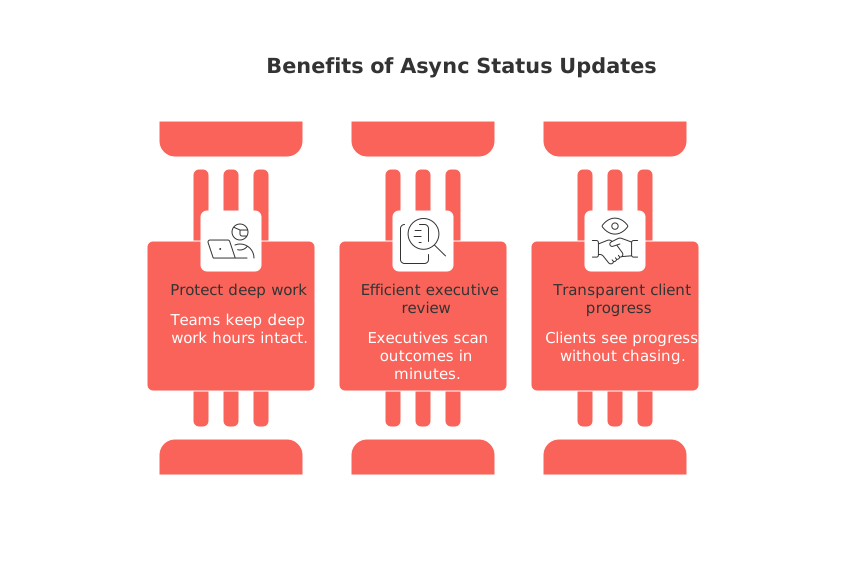
Teams keep deep work hours intact.
Executives scan outcomes in minutes.
Clients see progress without chasing.
Use meetings for complex debates. Handle routine progress through precise, repeatable writing.
What to include in every async status update that truly replaces a meeting
Keep the update short, structured, and decision‑ready. Use consistent fields so readers learn the pattern.
Objective: Restate the goal in one sentence.
Status: On track, at risk, or off track. Add one reason.
Since last update: Three to five bulleted outcomes, not activities.
Next focus: Include your primary commitments until the next update.
Risks and asks: One risk per line with an owner or ask.
Metrics: Only the few that prove movement.
Links: One link per artifact. Avoid duplicates.
Example Objective , Ship v2 checkout for mobile.Status , At risk. Card vault API returns sporadic 500s.Since last update , Passed PCI scan; completed Apple Pay; fixed cart rounding.Next focus , Retry strategy; 10 beta orders; success criteria review.Risks and asks , Need SRE on API errors by Tuesday; legal to confirm vault vendor terms.Metrics , Beta conversion 3.4% → 4.1%; crash rate 0.6%.
Adapting status updates for different audiences
Reuse the same core fields. Adjust only the headline, level of detail, and language. Lead with what your audience cares about, then link to the full update.
For executives who need decisions
Lead with the decision and consequence. Move details below the fold.
Headline:“Checkout v2 slips one week to de‑risk payment errors.”
Implication:“Revenue impact: −1.2% this sprint if unaddressed.”
Decision needed:“Approve extra vendor spend today.”
For clients and stakeholders outside your org
Use simple language and outcomes. Avoid acronyms. Share one visual when helpful.
Promise recap: What you agreed and by when.
What changed: Scope, date, or price and why.
Next checkpoint: Exact date for the next update.
For consumer creators and solo workers
Connect tasks to a short horizon. Reference a quarter or cycle, not a distant year.
How to set the cadence and channels for async status updates people actually read
Pick a steady rhythm. Tie it to project risk and stakeholder needs.
High risk or launch phase: Daily or every two days.
Steady delivery: Weekly.
Maintenance or support: Biweekly or monthly.
Solo operators like a 13‑week cycle. Read the 12‑Week Year cadence for solo operators to create clear checkpoints without drift.
Share updates in one agreed place. Email threads, a team channel, or a shared workspace all qualify. Keep it consistent.
How to format succinct and informative async status updates for busy readers
Write a clear subject: “[Project] , status , date , state.”
Front‑load the one‑line summary. Bold the state.
Use bullets for outcomes, not prose blocks.
Show one lightweight visual when change is easier to see than read.
Need simple visuals without heavy software? Compare visual project trackers and lightweight Gantt alternatives.
Role‑based async status update templates you can copy today
Product or project template
Objective
Status (reason)
Since last update (3–5 outcomes)
Next focus (time‑boxed)
Risks and asks
Metrics (two or three)
Links
Freelancer to client template
Deliverables completed
What you’ll deliver next and by when
Open questions needing client input
Invoice or scope changes, if any
Link to preview or draft
Sales or CRM pipeline template
Pipeline objective for the period
New qualified deals and source
Movements by stage with reasons
Top risks and next actions by owner
Core metrics: win rate, cycle time, ACV
How to automate async status updates without creating another process headache
Focus on automating data collection, while maintaining the human role in interpreting the summary and making decisions.
Create a short form that writes into your workspace or CRM.
Schedule a reminder in your chat tool for the owner.
Post the update to a single channel and tag owners.
Roll up metrics from your source system weekly.
If a live discussion remains, pair your async habit with a concise recap. Our guide on running effective meetings and recaps complements this playbook when a room is truly needed.
How to measure whether async status updates are working and improve them
Watch simple signals. Adjust within two cycles.
Read rate: Percentage of recipients who open or react.
Response time: How fast owners reply to asks.
Unblocked items: Count decisions made from updates.
Plan vs done: Gap between next focus and outcomes.
If numbers stall, shorten the update, make the ask clearer, or change the cadence.
How to write difficult async updates about delays, risks, or scope cuts
Be direct, specific, and solution‑oriented. Use neutral language. Own the plan.
State the change in the first line.
Give one root cause, not a list of excuses.
Offer two options with trade‑offs and a recommendation.
List the next actions with owners and dates.
Tough update example“The release moves to August 5 due to failed security checks. Options: ship core flows July 29 without social login. Given the failed security checks, I recommend postponing to August 5 to ensure all functionalities are running smoothly. Next actions: QA fixes today; security retest Thursday; partner comms Friday.”
Tools that support async status updates without locking your team into meetings
You can do this with almost any stack. Many teams centralize updates in tools like Routine, Notion, or ClickUp. Others keep it simple with a shared doc and email. Pick one place, set rules, and stick to them.
Further reading that deepens your async status update practice
Explore cadence strategy with the 12‑Week Year approach for focused solo cycles. For simple visuals that communicate change fast, review project trackers and visual timelines for straightforward projects. A third helpful companion is our guide to running effective meetings and recaps for the rare moments when live collaboration beats writing.
FAQ
How can async status updates improve efficiency compared to traditional meetings?
Async status updates save time by eliminating unnecessary meetings, allowing team members to maintain deep work sessions. They provide a written record that transcends time zones, ensuring clarity and accountability.
What are the key components of an effective async status update?
An effective async update includes objectives, current status, outcomes since the last update, upcoming focus areas, risks, and metrics. This structure ensures all necessary information is conveyed concisely.
How do async updates benefit freelancers?
Async updates spare freelancers from unpaid meetings, allowing them to focus on deliverables and maintain productivity. With all the necessary information in writing, freelancers can manage their schedules better without real-time disruptions.
How should async status updates be adapted for different audiences?
The update should maintain core elements while adjusting language and detail based on audience needs. For executives, prioritize decision impacts; for clients, offer clarity and simplicity, avoiding jargon.
Can Routine streamline the process of async status updates?
Routine can centralize and automate updates, ensuring consistency and accessibility for all team members. It supports structured documentation of progress, enabling informed decision-making without constant interruptions.
What are the risks of poorly structured async updates?
Poorly structured updates can lead to miscommunication and missed deadlines, as vital information might be overlooked. They can induce ambiguity, resulting in unnecessary follow-up questions and delayed decisions.
How does the cadence of updates affect project outcomes?
An inappropriate cadence can either overwhelm the team with too many updates or leave stakeholders in the dark with too few. Balancing frequency based on project risk and phase ensures stakeholders remain informed without burnout.
Why might real-time discussions still be necessary despite using async updates?
Real-time discussions are vital for complex problem-solving and urgent decision-making that async updates can't handle. Mixing async updates with periodic live meetings captures the efficiency of both worlds when required.

Julien Quintard
Founder & CEO at Routine09/01/2026
