Universal Inbox, Defined: Capture Rules, Triage Steps, and Routing Templates That Stick
When work arrives from every app, a universal inbox stops the noise
Your requests pour in through email, chat, web forms, and DMs, making it easy to lose track. A universal inbox collects all of these incoming tasks and messages into a single, organized queue. Instead of hopping between apps, you capture everything in one place where each request is clearly named and properly routed. This eliminates the need to constantly switch between apps and keeps your workflow smooth and steady.
The core principle is straightforward: capture every item once, make one clear decision, and send it to the right destination. No double-work. No forgotten tasks.
Clutter disappears when your inbox knows exactly where every item should go.
What a universal inbox is (and isn’t)
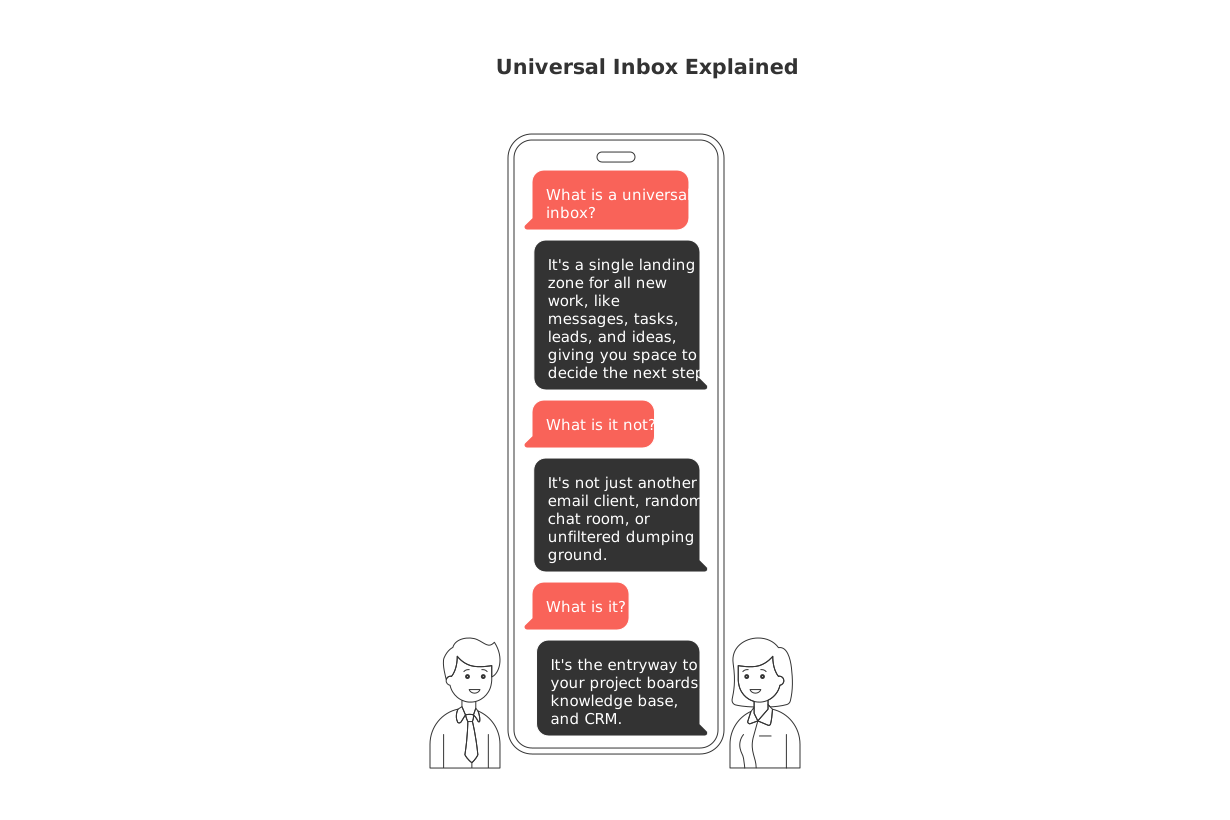
A universal inbox serves as a single landing zone for all new work, whether they’re messages, tasks, leads, or ideas, giving you space to decide the next step. It provides just enough structure, so every item includes details like source, owner, priority, and due date if needed.
It is a queue governed by clear rules and outcomes: act, delegate, schedule, or document.
It is not just another email client, random chat room, or unfiltered dumping ground.
It is the entryway to your project boards, knowledge base, and CRM.
Capture rules for a universal inbox that keep inputs structured
Set up unique capture rules for each channel to standardize incoming work. Consistently tag each entry with fields such as channel, contact, intent, priority, and destination type to keep everything organized.
Email and contact forms
Automatically tag messages from Lead forms as CRM, set source=sales@, and direct to Web.
Assign invoices to Finance and flag them as priority=High if due in 7 days or less.
Chat, social DMs, and communities
Map “How do I…?” questions to Knowledge. Add relevant product area as a topic tag.
Flag any message mentioning “contract” or “pricing” as Sales, set destination to CRM, and assign owner as Account.
Support desk and reviews
Mark tickets containing “outage,” “can’t login,” or “billing error” as Urgent, setting a 4-hour SLA.
Route recurring issues to the Backlog with details such as component and version tags.
Need to centralize sources before proper routing? Discover how to merge customer data from Intercom, Front, and email without writing code to establish a dependable intake stream.
Universal inbox triage steps you can finish in 10 minutes
Run a brief triage session twice daily, be quick and decisive.
Bulk clear noise. Archive promotional emails and FYIs you don’t need to act on.
Group by intent. Sort work into leads, tasks, bugs, questions, and docs.
Two–minute rule. If a task takes less than two minutes, do it right away.
Assign owners. Each item needs an individual owner, never just a team.
Set the next visible step. Attach a short verb and outcome to clarify what’s next.
Route to the destination. Move the item to your project board, knowledge base, or CRM.
Schedule follow–ups. For pending items, note a follow-up date to check progress.
Write outcome notes in clear, actionable terms: Send quote to Carla, Draft refund FAQ, Verify bug fix in v2.1. Keeping outcomes concise speeds up decision-making.
Routing templates for projects, knowledge, and CRM that actually stick
Templates enforce consistent fields, streamlining reporting and minimizing errors.
Projects and tasks
Task card: Title, owner, outcome, priority, component, check date.
Bug card: Steps to reproduce, environment, severity, owner, target release.
Backlog idea: Problem, audience, value, estimate, decision date.
Knowledge base
How–to: Question, steps, screenshots placeholder, related features, review date.
Policy: Purpose, scope, rule, exceptions, next audit date.
CRM and pipeline
Lead: This includes the contact source, a description of the problem or need articulated by the customer, the customer's role in the buying process, the projected timeframe, and the next action to be taken.
Renewal: Risk reason, health score, blocker, executive contact, renewal date.
Keep fields intuitive and relevant. If a particular field remains consistently empty or unused, consider removing it or renaming it to better serve your team’s needs.
Universal inbox use cases for consumers, freelancers, and small teams
Consumers: Collect deliveries, returns, and service tickets into a single queue. Tag each by store and deadline. Forward important receipts to your personal knowledge library for future reference or claims.
Freelancers: Gather client emails, Instagram DMs, and web leads in one place. Channel creative briefs into Projects and store brand guidelines in Knowledge. Push leads straight to your CRM for quick follow-up.
Small teams: Aggregate website chats, partnership requests, and reviews for the team. Triage as a group, then route to appropriate marketing tasks, backlog, or CRM stages, so everyone stays informed without chasing down status updates.
How to set up a universal inbox in your current tools without a rebuild
You can easily create a universal inbox using tools you already have, such as Routine, Notion, ClickUp, or CRMs like HubSpot or Pipedrive. Choose one platform as your home base and connect your input sources.
App connectors. Integrate using built-in connections or a no-code router like Zapier or Make.
Normalize fields. Standardize channel, intent, owner, and destination before items appear in your queue.
Single source of truth. Make sure projects live on a board, knowledge is kept as articles, and leads are stored in your CRM.
Not sure which kind of tool works best for you? This comparison of all-in-one workspaces and project tools helps you weigh the options for centralizing your workflow.
Governance for a universal inbox that stays reliable over time
Rules and routines can drift, so occasional reviews are essential.
Monthly rule sweep. Remove rules that trigger less than twice a month.
Field audit. If a field is filled in less than 70% of cases, improve, rename, or remove it.
Owner check. Ensure every item is assigned to a specific person, never just “the team.”
SLA scoreboard. Track response times based on intent rather than the incoming channel.
Metrics that show your universal inbox works
Focus on real results, not just the number of items processed. Monitor these key indicators:
Time to first decision: The number of minutes from capture to making a triage decision.
Routing accuracy: The percentage of entries sent to their correct destinations.
Queue age: Median days items remain unassigned.
Rework rate: The rate at which items are returned for missing or unclear information.
Win rate (for leads): The percentage of leads that convert into new clients; Resolution rate (for support tickets): The percentage of customer tickets that are brought to a final resolution.
Common pitfalls when building a universal inbox and how to avoid them
Overuse of tags: Limit yourself to a manageable list of tags. Add new ones only if there’s a clear need for reporting or tracking.
Ambiguous ownership: Make sure each item is assigned to only one owner. If others need to stay informed, use a watcher, not another owner.
Collecting unnecessary fields: Only request details you plan to use this quarter. Discard or postpone the rest.
Stale templates: Review and update your routing templates after every major launch or campaign.
Next steps to make your universal inbox stick
Start small and build a foundation that works. Begin by selecting a couple of your most active channels and outline a handful of basic rules for capturing data, refining your system before adding complexity. Dedicate one daily triage window and follow this routine for two weeks. Expand only once your key metrics show improvement. If you operate in B2B, add light automations for handoffs once your basic workflow feels smooth. For more playbooks, check out proven sales workflow automations in the guide to top B2B sales automations.
FAQ
What is a universal inbox?
A universal inbox is a centralized hub where all your work-related messages and tasks converge, allowing for streamlined task management across various apps. It helps prevent scattered workflows by creating a cohesive system to handle incoming requests efficiently.
How does a universal inbox improve productivity?
By consolidating tasks and messages in one location, a universal inbox reduces context switching and minimizes the risk of losing track of important tasks. This focus prevents inefficiency and forgotten items, optimizing workflow and task prioritization.
Why are capture rules important in a universal inbox?
Capture rules standardize how tasks are logged and processed, ensuring that each item is tagged correctly for its priority, source, and destination. Without proper rules, your inbox risks turning into chaos, negating its organizational benefits.
Can a universal inbox be customized?
Yes, you can tailor a universal inbox to fit specific organizational needs using tools like Routine and other project management platforms. Customize it by implementing specific rules, templates, and integrations that reflect your team's workflow and priorities.
What tools can be used to set up a universal inbox?
Tools such as Routine, Notion, ClickUp, and CRMs like HubSpot or Pipedrive can be leveraged to establish a universal inbox. They provide integration capabilities to consolidate various task inputs without the requirement for a total system rebuild.
What are the common pitfalls in using universal inboxes?
Common mistakes include excessive tagging, unclear ownership, and the collection of unnecessary data fields. Avoiding these pitfalls ensures the universal inbox enhances efficiency rather than becoming another layer of complexity.
How can you measure the efficiency of a universal inbox?
Efficiency is gauged by metrics such as time to first decision, routing accuracy, and the age of the queue. These indicators ensure that the universal inbox not only streamlines workflow but also continuously adapts to improve task management.
Why is it crucial to avoid ambiguous ownership in a universal inbox?
Ambiguous ownership leads to task ambiguity, diminished accountability, and potential project delays. Assign individual owners to each item to ensure clear responsibility and follow-through.
How can Routine help in setting up a universal inbox?
Routine offers tools to integrate and streamline incoming tasks and messages, allowing businesses to tailor a universal inbox that matches their unique operational needs. It provides the flexibility to customize rules, templates, and workflows.

Julien Quintard
Founder & CEO at Routine05/14/2026
