Best Alternatives to Trello for Simple Task Management
Why look beyond Trello for simple task management
Cards multiply. Boards stretch. Small chores get buried in tall columns. When all you want are quick lists, Trello can feel busy. Extra fields and add‑ons add clicks to everyday capture. Solo users and tiny teams often prefer fewer steps and faster flow.
I just want a list that opens instantly and doesn’t slow me down.
Good news: several tools handle small tasks with less friction. They keep structure light, collaboration straightforward, and setup short.
How to choose a Trello alternative for simple task management
Non‑negotiables for quick daily use
Fast capture on both phone and desktop.
A clear “today” view with a short, visible backlog.
Easy sharing with one or two collaborators.
Labels or priorities you’ll actually apply.
Simple exports and trustworthy imports.
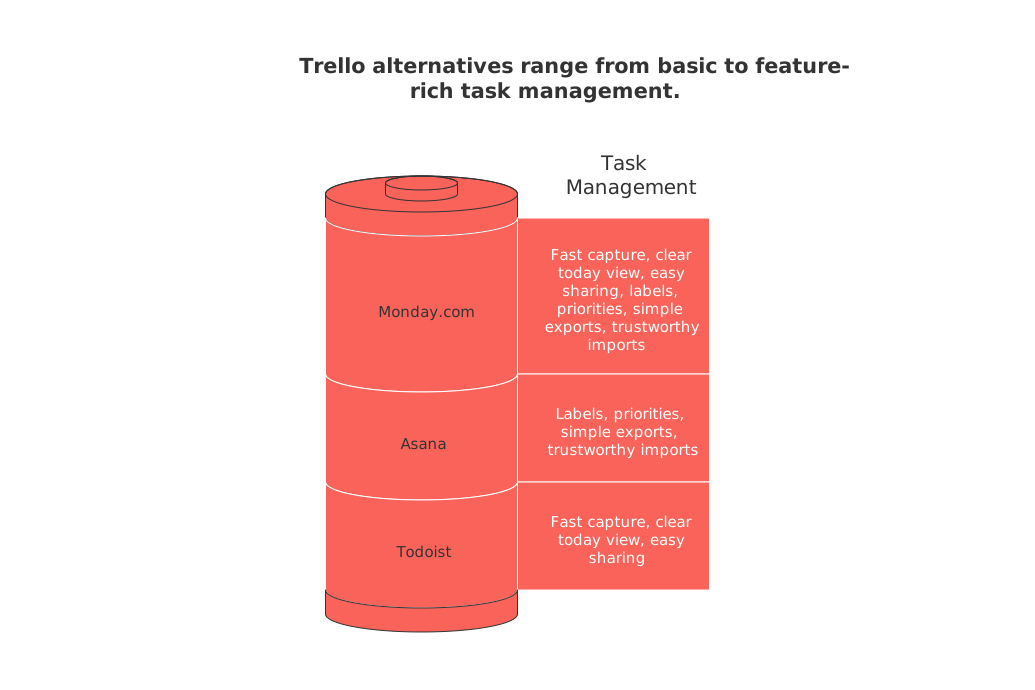
Tip: trial it with a real week of tasks. If adding a task makes you pause, the app is too heavy.
Todoist: straightforward lists with quick capture
Todoist excels at personal lists and small shared projects. Task entry is speedy, labels keep things tidy, and views stay uncluttered. Collaboration is light with comments and assignees. Start free and only upgrade as needs expand.
Best for: individuals, couples, and freelancers.
Strength: rapid entry plus natural‑language dates.
Watch for: advanced filters can overwhelm newcomers.
Microsoft To Do: simple, free, and familiar
Microsoft To Do organizes everything into neat lists. It fits errands, side projects, and small checklists. Sharing a list takes seconds. If you’re already in Microsoft 365, it plugs in with no extra effort.
Best for: Windows users and students.
Strength: clean UI with almost no learning curve.
Watch for: limited support for advanced workflows.
Asana: lightweight boards with structure when you need it
Asana supports simple lists today and richer workflows later. Begin with a minimal project and a few sections. Use assignees and due dates sparingly. As work grows, you can layer in rules, forms, and more without switching tools.
Best for: small teams that plan to scale.
Strength: smooth path from simple to structured.
Watch for: extra fields can creep in over time.
ClickUp: one workspace when your tasks may grow later
ClickUp packs lists, boards, and more into a single workspace. Keep it lean by hiding features you don’t need. Start with one Space for personal work, then add folders as projects evolve. You can stay simple while keeping room to grow.
Best for: side hustles that may become teams.
Strength: flexible views and strong customization.
Watch for: initial setup can feel busy.
Basecamp: clear to‑dos for calm collaboration
Basecamp organizes work into short to‑do lists per project. Conversations live next to the tasks. The tone is calm and practical. Teams that dislike ceremony often settle here and ship steady work.
Best for: agencies and client projects.
Strength: simple lists everyone understands.
Watch for: fewer granular fields by design.
Routine: tasks tied to projects, knowledge, and contacts
Routine unifies tasks across projects, a lightweight knowledge base, and simple CRM records. Link a task to a project page or a contact, then see the related context in one flow. It suits freelancers and small teams who want task simplicity with business context.
Balanced view: Notion and ClickUp offer similar breadth. If you compare, evaluate daily capture speed and how each app presents essential task views.
Best for: individuals and teams tracking clients and work together.
Strength: smart links between tasks, projects, and contacts.
Watch for: more depth than a pure to‑do app.
Kanban board or simple lists for personal tasks
Lists win when work is small and quick. Kanban shines when tasks move through clear stages. If you switch often, pick a tool that lets you toggle views without extra setup.
For a deeper look at methods and views, see this guide to visual task planning for simple projects.
When an all‑in‑one workspace is overkill for simple tasks
Sometimes a dedicated to‑do app is best. Fewer knobs, faster habits. If your work stays personal, or you share with one partner, keep the stack lean.
Use this comparison to decide where you fit: all‑in‑one workspaces vs. focused project tools.
Example setups you can copy today
Solo creator
Tool: Todoist.
Lists: Today, This Week, Backlog.
Labels: quick, deep, admin.
Freelancer with clients
Tool: Routine or ClickUp.
Structure: one workspace, one project per client.
Workflow: inbox → next → done.
Small team delivering sprints
Tool: Asana or Basecamp.
Views: list for planning, board for execution.
Cadence: weekly planning using a 12‑week cycle.
If you prefer shorter horizons, the 12‑week cadence pairs well with lightweight task systems.
Migration tips from Trello without losing context
Pick the three statuses you’ll keep. Archive the rest.
Review labels and keep only those used weekly.
Export cards to CSV or rely on the new app’s importer.
Map one board at a time. Test before moving everything.
Run both tools for a week, then switch completely.
Final checklist to pick your Trello alternative now
Can you add a task in under five seconds?
Is today’s work visible on one screen?
Can a partner or client collaborate with no training?
Will exports keep your data portable?
After a week, does it feel less effortful?
Say yes to at least four. Then commit for 30 days and build the habit.
FAQ
What’s a faster alternative to Trello for simple task management?
Todoist and Microsoft To Do offer quick list-making and task capture for individuals or small teams. They streamline the task process, avoiding unnecessary features that slow you down.
When is it better to switch from Trello to another tool?
If your task management feels overcomplicated and clunky, it’s worth considering a switch. Look for an app that decreases steps and offers seamless collaboration without the noise.
Can I use Routine for comprehensive task management?
Yes, Routine integrates tasks with project management and CRM features, making it ideal for freelancers or small teams who need context-rich task management.
Why should solo users avoid complex task apps?
Solo users benefit most from apps that simplify and accelerate task entry and tracking. Overly complex apps can lead to wasted time and frustration without adding value.
How do I migrate from Trello without losing data?
Begin by selecting key statuses and pruning labels. Export your data efficiently, and run parallel systems before making a complete switch.
Is it possible to collaborate on a simple task app without training?
Yes, many modern task apps are designed for intuitive use, allowing partners or clients to join seamlessly with minimal onboarding. This simplifies collaboration and accelerates project progression.

Julien Quintard
Founder & CEO at Routine09/18/2026
